Drone Flyaway Prevention: Planning for the Worst Case
Flyaways are every pilot's nightmare. Most are preventable with proper planning, compass awareness, and emergency protocols.
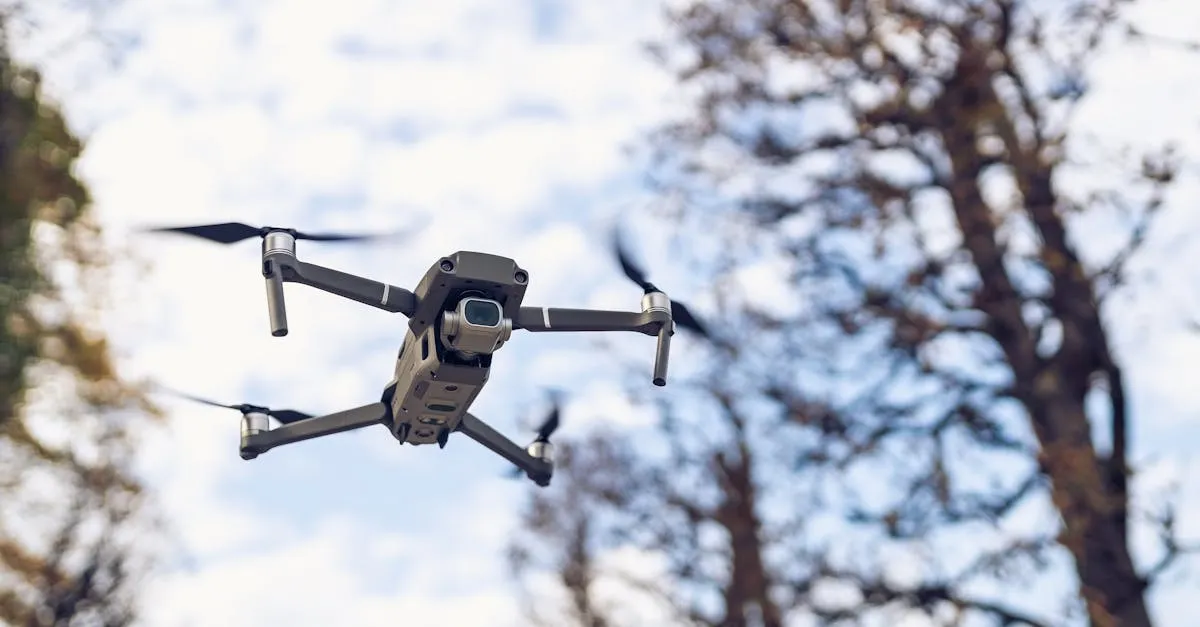
Most flyaways are preventable through proper preparation. Primary causes are compass interference, GPS glitches, and firmware bugs. Calibrate away from metal, verify GPS lock, set appropriate RTH altitudes, and know how to switch to ATTI mode during emergencies.
A flyaway happens when your drone stops responding to inputs and flies away on its own. It is every pilot’s worst nightmare, and most flyaways are preventable with proper preparation.
Common Causes
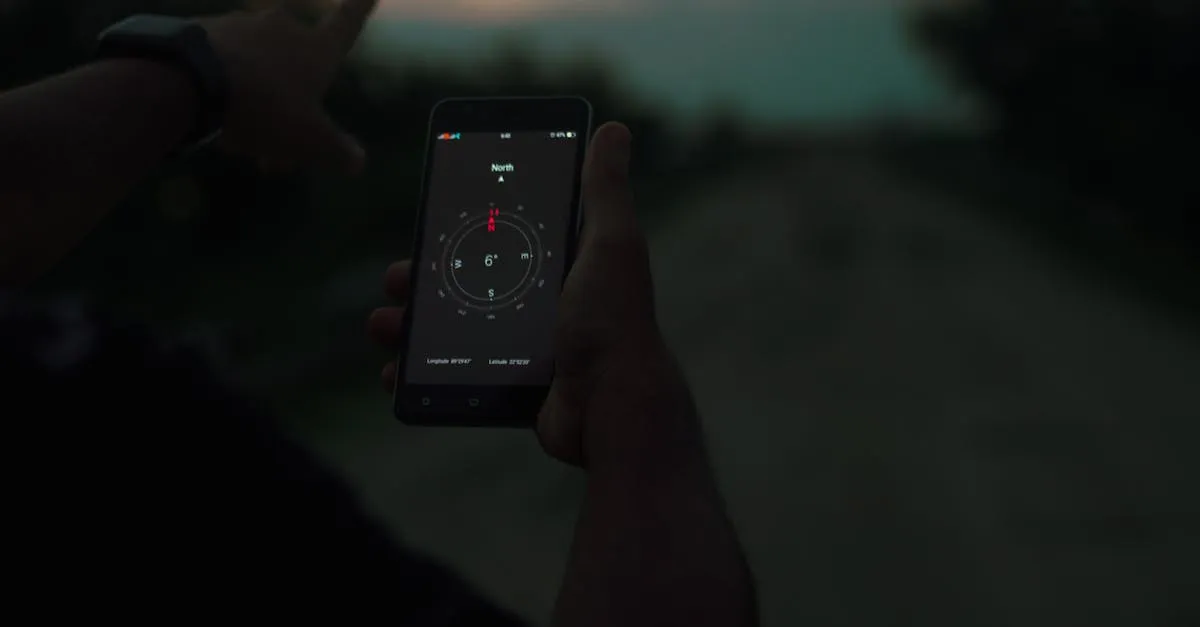
Compass interference is the most commonly cited cause of flyaways. Your drone uses a compass to know which direction it is facing. If the compass gets confused by nearby metal or electromagnetic fields, the drone can fly in unpredictable directions despite receiving correct GPS coordinates.
GPS glitches are another frequently cited culprit. If your drone loses GPS lock mid-flight, it cannot determine its position or return home automatically.
Firmware bugs occasionally cause unexpected behavior. Keeping your firmware current minimizes this risk.
Prevention Checklist
Before every flight:
- Calibrate compass away from metal. Do not calibrate on concrete (rebar), near cars, or on metal surfaces. Move to grass or dirt.
- Verify GPS lock before launch. Wait for at least 8 satellites and a “safe to fly” indication.
- Check for interference. If the compass shows an error during preflight, move your takeoff location.
- Set RTH altitude above the tallest obstacle in the area.
- Fly in open areas when possible, away from known interference sources like power substations and cell towers.
What to Do During a Flyaway
- Switch to ATTI/manual mode if your drone supports it. This bypasses GPS and compass, letting you fly by stick input alone.
- Try to fly back manually using visual reference. Look at the drone and steer it toward you.
- Watch the battery. The drone will auto-land when power runs out. Note the direction it was heading.
- Do not chase it. Running after a flyaway drone is dangerous and ineffective.
Recovery After a Flyaway
Most flyaway drones land within 500-1000 meters of their last position when the battery dies. Search in the direction it was heading, focusing on trees, roofs, and bodies of water.
Check the flight logs in your app. Most modern drones log their last known GPS position, which gives you a search radius.
Insurance Considerations
If you have hull insurance, document the flyaway with flight logs and file a claim. If your drone causes property damage during a flyaway, your liability insurance covers the damage to the property (but usually not the drone itself).
Frequently Asked Questions
What causes most flyaways? Compass interference from metal or electromagnetic fields, GPS glitches, and firmware bugs.
Where to calibrate compass? On grass or dirt, never concrete with rebar, near vehicles, or on metal surfaces.
If drone starts flying away? Switch to ATTI or manual mode, fly back manually using visual reference. Never chase on foot.
How many satellites before takeoff? At least 8 with safe-to-fly indication. Insufficient lock increases GPS flyaway risk.
When battery dies during flyaway? Auto-lands. Most land within 500-1000m of last position. Search in direction it was heading.
Does insurance cover flyaways? Hull insurance covers the drone if documented. Liability covers property damage but usually not the drone. For comprehensive preflight procedures that prevent flyaways, see our free Drone Flight Planning and Preflight Procedures course.