Drone Radio Signals Explained: Why Your Connection Drops and How to Prevent It
Your drone's connection to its controller depends on radio frequencies most pilots never think about. Understanding signal behavior helps you fly without surprises.
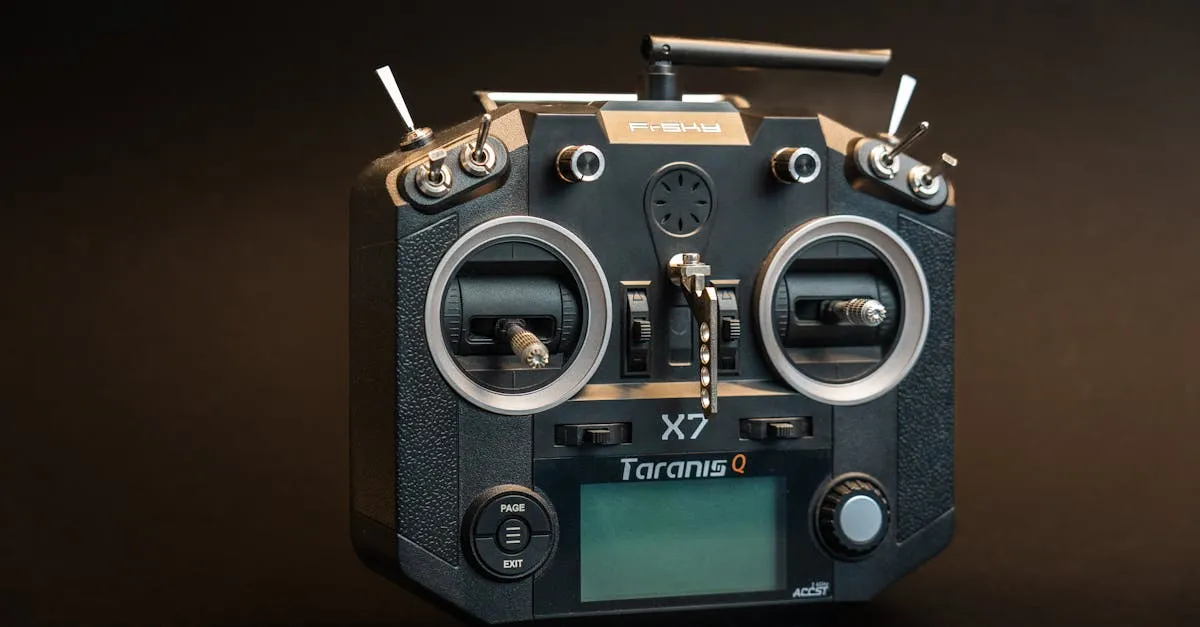
Drone controllers operate on 2.4 GHz and 5.8 GHz bands with trade-offs. The 2.4 GHz band penetrates obstacles but suffers WiFi congestion, while 5.8 GHz offers cleaner signals but poor penetration. Understanding signal behavior helps plan flights around interference and set proper RTH altitudes.
You have been there. You are flying a routine mission, maybe some real estate photography or a site survey, and suddenly your screen stutters. The video feed freezes. Your controls feel laggy. Then that dreaded warning pops up: Signal Weak.
Most pilots just wait it out and hope the connection comes back. Sometimes it does. Sometimes you are walking across a field holding your controller up like an antenna, hoping your drone does not land in a creek.
Understanding why your radio signal behaves the way it does changes how you plan flights. You stop fighting signal problems and start preventing them.
The Two Bands Your Drone Cares About
Consumer and prosumer drones operate on two frequency bands: 2.4 GHz and 5.8 GHz. Your controller automatically switches between them, but knowing how each one behaves helps you understand what is happening when things go sideways.
2.4 GHz is the older, more established band. It is what WiFi routers, Bluetooth devices, microwaves, and baby monitors use. The advantage? These longer wavelengths punch through obstacles better. They bend around buildings and push through trees more effectively than higher frequencies. If you are flying behind a structure, 2.4 GHz is probably what is keeping you connected.
The downside is congestion. In residential areas, business parks, or anywhere with lots of WiFi networks, 2.4 GHz gets crowded. Your drone is competing with every router within range for airspace on a limited number of channels.
5.8 GHz offers more channels and less interference in most environments. The shorter wavelength means you get cleaner video feeds and more responsive controls when conditions are right. The catch? These signals do not penetrate obstacles well. A concrete wall that might slow down a 2.4 GHz signal can completely block 5.8 GHz.
Your drone’s controller evaluates both bands constantly and picks whatever is working better at that moment. When you see your signal strength jumping around, you are likely watching it hop between frequencies as conditions change.
What Actually Kills Your Signal
Understanding the enemies of radio signals helps you spot problems before they ruin a flight.
Physical obstacles are the obvious one. Buildings, hills, trees, even thick vegetation between you and your drone will degrade your signal. The rule of thumb: if you cannot see your drone, something is probably between you and it, and that something is eating your signal. Metal structures are particularly brutal. Hangars, warehouses, and even chain-link fences can reflect and scatter radio waves in unpredictable ways.
Distance follows the inverse square law. Double your distance from the drone, and your signal strength drops to roughly a quarter of what it was. Manufacturer range claims assume perfect conditions: open desert, no interference, line of sight. Real-world range is often half or less of those numbers. A drone rated for 6 miles might struggle at 2 miles in suburban environments.
Antenna orientation trips up more pilots than you would think. Those little antennas on your controller are not omnidirectional. They have a pattern. Most radiate in a doughnut shape perpendicular to the antenna body. If you point your controller directly at your drone like a TV remote, you are actually in the weakest part of the signal pattern. Keeping the controller relatively flat with antennas pointed up or angled slightly toward the drone usually works better.
Electromagnetic interference (EMI) comes from sources you might not expect. High-voltage power lines, cell towers, radio antennas, and industrial equipment all generate electromagnetic noise that can overwhelm your drone’s receiver. I have seen signals drop 30% just from flying too close to a substation. If you are mapping near power infrastructure, expect problems.
WiFi congestion is the silent killer in populated areas. A typical suburban neighborhood might have 50+ WiFi networks all competing for 2.4 GHz space. Your drone’s signal gets drowned out. Commercial districts are worse. Every business has multiple routers, security cameras, and wireless systems. Fly a drone through downtown and you are swimming in radio noise.
Planning Around Signal Limitations
Good pilots do not just launch and hope for the best. They plan around known limitations.
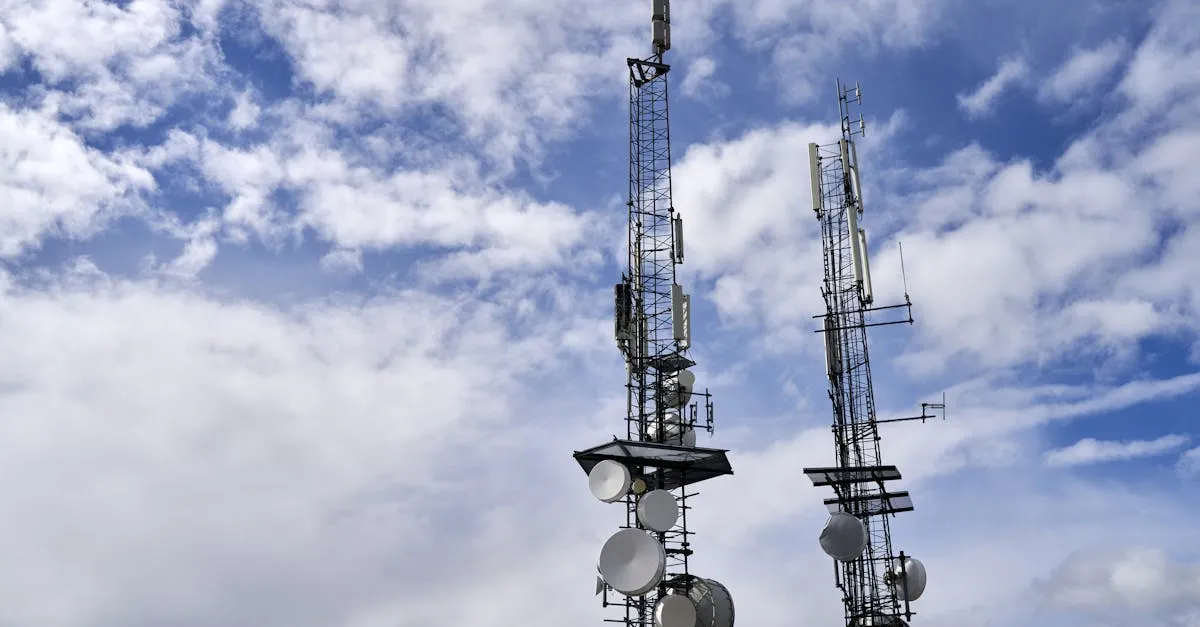
Start by scouting your flight location with interference in mind. Look for cell towers, large buildings with lots of WiFi, power lines, and industrial facilities. These are your problem areas. Plan your flight path to minimize time behind obstacles and near interference sources.
When you have to fly near interference, adjust your expectations. A 500-foot distance that is fine in open country might be pushing it in a commercial district. Plan shorter legs and line-of-sight flight paths.
If your mission requires flying behind structures, plan your controller position carefully. Sometimes moving 50 feet to a different spot gives you a much better signal path. I have stood on top of a truck, walked to higher ground, or repositioned just to maintain line of sight through a critical part of a flight.
For longer missions, consider relay points. Fly to a clear area, confirm solid signal, then proceed to the next segment. This is slower but much more reliable than pushing through weak signal zones and hoping RTH saves you.
When The Signal Dies: What Actually Happens
Your drone does not immediately fall out of the sky when you lose connection. Modern drones follow a specific sequence.
First, the drone hovers in place and attempts to reconnect for a set period, usually 3 to 10 seconds depending on your settings. During this window, if your signal comes back, you resume control like nothing happened. This is why momentary signal drops often do not cause problems.
If reconnection fails, the drone initiates Return to Home (RTH). It climbs to your preset RTH altitude (if it is below that altitude), turns toward the home point, and flies back at a set speed. When it gets close enough to reconnect, you should regain control and can cancel RTH if you want.
The critical detail: RTH relies on GPS, not your radio signal. Even with zero controller connection, your drone can find its way home as long as it has GPS lock and has not crashed into something during the climb phase.
Why RTH Altitude Matters More Than You Think
Here is where pilots get in trouble. They set their RTH altitude to something low, maybe 50 feet, because they do not want the drone climbing too high and attracting attention. Then they fly behind a 60-foot building, lose signal, and the drone tries to climb to 50 feet directly into the building.
Your RTH altitude needs to clear every obstacle between your planned flight area and your home point. That means the tallest building, tree, or structure in your operational area, plus a safety margin. I typically add 30-50 feet above the highest obstacle.
Yes, this means your drone might climb to 150 feet in some urban environments. That is better than it climbing into a building. If noise or visibility is a concern, plan your flights to avoid signal loss zones rather than lowering your safety net.
Also, check your RTH settings before every flight. I have seen drones configured to land in place instead of returning home. That setting makes sense for some indoor applications but will leave your drone sitting in a field or parking lot if you lose signal outdoors.
Pre-Flight Signal Checks That Take 30 Seconds
Before you launch, run through a quick signal assessment.
Power up your drone and controller in your intended launch spot. Watch the signal strength indicator for 15-20 seconds. If it is already showing moderate interference, that is your baseline. Things will only get worse at distance.
Look around for obvious interference sources. See those cell towers on the hill? The industrial complex next door? The apartment building with 200 WiFi networks? Now you know why your signal might be weaker than usual.
Check your antenna positioning. Make sure they are oriented correctly for your planned flight direction.
If you are flying in a new or challenging environment, do a short test flight, maybe 200 feet out and back. Watch how the signal behaves. Does it drop significantly at a certain distance or direction? Better to find out now than during a critical part of your mission.
Flying With Confidence Instead of Hope
Radio signals are not magic, and they are not random. They follow predictable rules about frequency behavior, obstacle penetration, and interference. Once you understand those rules, you stop being surprised by signal problems and start preventing them.
You will position yourself strategically instead of standing in one spot wondering why your signal is weak. You will set RTH altitudes that actually protect your aircraft. You will recognize interference-heavy environments before you launch instead of discovering them mid-flight.
The technical side of drone operation is not just for engineers. For Part 107 pilots flying real missions with real liability, understanding your equipment’s limitations separates professional operations from expensive mistakes.
Frequently Asked Questions
2.4 GHz vs 5.8 GHz difference? 2.4 GHz penetrates better but competes with WiFi. 5.8 GHz provides cleaner signals in open areas but gets blocked by buildings and trees.
Why signal drops in residential areas? 50+ WiFi networks competing for 2.4 GHz space can drown out your drone signal, reducing effective range.
How to orient antennas? Antennas radiate perpendicular to their body. Keep controller flat with antennas angled slightly toward the drone.
What happens on connection loss? Drone hovers and attempts reconnect for 3-10 seconds. If failed, initiates RTH using GPS at preset altitude.
Why is RTH altitude critical? If lower than obstacles between drone and home point, it may crash during the climb phase. Set 30-50 feet above tallest obstacle.
How to check for signal problems? Power up and watch signal indicator for 15-20 seconds. Identify interference sources like cell towers and power lines. Want to build a preflight routine that catches signal problems before they catch you? Our free Flight Planning and Preflight Procedures course at drone.courses walks you through a systematic approach to evaluating launch sites, checking equipment, and planning flights that account for environmental factors including radio interference. It is free and might save you a $1,500 drone someday.