15 Cinematic Drone Moves Every Pilot Should Know
Anyone can launch a drone and hit record. These 15 moves will transform your footage from basic flyovers into cinematic sequences that hold attention.
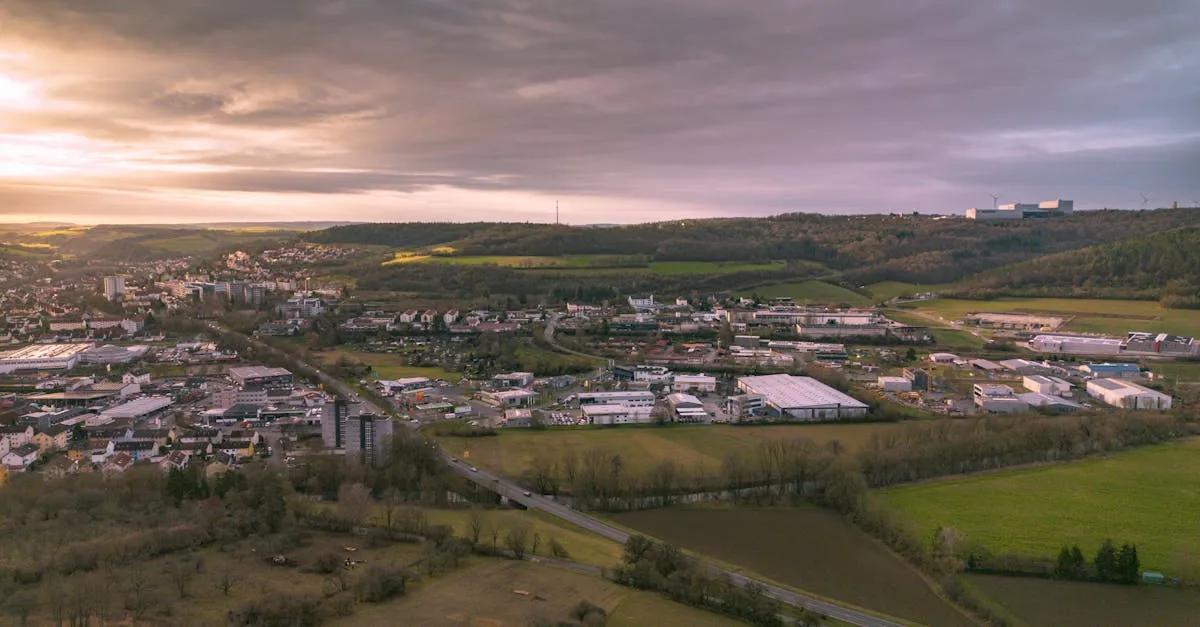
Cinematic drone footage relies on progression rather than passive flyovers. Master slow, smooth stick control while combining 15 techniques from classic reveals and orbits to fly-throughs and parallax shots. Each move should reveal something new to the viewer, transforming basic aerial footage into professional-quality content.
There is a distinct difference between a standard aerial video and a truly cinematic drone shot. The secret often comes down to one core principle: progression. Having something be revealed in the shot transforms passive viewing into active engagement.
Beyond storytelling, technical execution is paramount. Nice slow movements and precise stick control are the foundation. Jerky movements ruin cinematic quality instantly. Adjust your gimbal settings for slower, smoother pans.
Here are 15 moves every pilot should master.
1. Reveal Shot
Fly forward past an object (tree, building, rock) to reveal the subject behind it. The classic movie-opening move. Creates scale and discovery.
2. Reverse Reveal
Fly backward, pulling the subject into frame. Works great with people — feels like the subject is stepping into your world.
3. Orbit
Circle around a subject while keeping it centered. Use yaw + lateral stick simultaneously. Slow and smooth. A fast orbit looks amateurish.
4. Fly-Through
Fly through a gap (bridge, arch, trees). High impact, requires confidence. Turn obstacle avoidance off so the drone doesn’t brake before the gap.
5. Top-Down Reveal
Start directly above your subject, slowly rise while tilting camera down. Gradually reveals the surrounding environment and scale.
6. Tracking Shot
Follow a moving subject (car, boat, person) at the same speed. Background moves, subject stays static. Puts the audience alongside the action.
7. Crane Shot
Start low to the ground, slowly rise while looking forward or slightly down. Mimics a traditional camera crane. Excellent for establishing locations.
8. Dronie
Start close to your subject, fly straight up and backward simultaneously. The original drone selfie — captures both subject and landscape in one dynamic pull-away.
9. Leading Shot
Fly ahead of a moving subject, looking back at them. The subject chases the camera. Builds forward momentum for automotive or action shots.
10. Low Altitude Pass
Fly at 3-5 feet over water, fields, or terrain at moderate speed. Proximity to ground creates intense drama and visual texture.
11. Bird’s Eye Spin
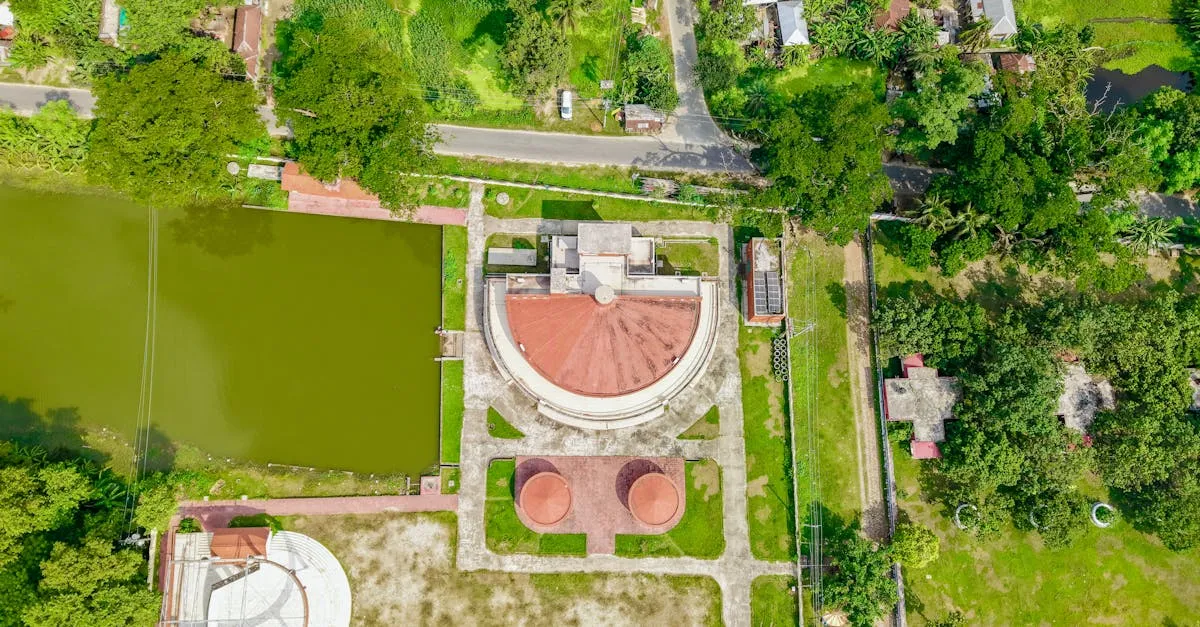
Camera pointing straight down, rotate 360° while slowly rising. Shows patterns, geometry, and reveals surrounding space from a unique perspective.
12. Parallax Shot
Fly sideways past a foreground subject with a distant background. Different distances create different movement speeds — an immense feeling of depth.
13. Rise and Tilt
Start low with camera angled up. Rise while slowly tilting camera down. A smooth transitional bridge between sky and earth.
14. Hyperzoom (Dolly Zoom Effect)
Fly backward while zooming in simultaneously (requires optical zoom drone). Background stretches while subject stays the same size — the famous Hitchcock vertigo effect.
15. Point of Interest
Use DJI’s built-in POI mode to auto-orbit a subject. Excellent for learning orbit timing and radius control before attempting manual orbits.
Practice Tips
- Start high and slow — give yourself altitude buffer when learning
- Use ActiveTrack for tracking shots — let the drone handle subject tracking while you focus on flight path
- Disable obstacle avoidance for fly-throughs — only if confident in manual skills
- Record everything — the best moments often happen in transitions
Common Mistakes
- Too fast — speed kills cinematic quality
- Jerky stick inputs — practice micro-adjustments with your thumbs
- Not planning — visualize start, end, and path before takeoff
- Ignoring wind — fly reveal shots with the wind, not into it
Frequently Asked Questions
What makes drone footage cinematic rather than just aerial? Cinematic footage relies on progression, having something revealed during the shot. Technical execution with slow, smooth movements and precise gimbal settings separates professional results from amateur flyovers.
Why turn off obstacle avoidance for certain shots? During fly-throughs past gaps like bridges or arches, obstacle avoidance can cause the drone to brake unexpectedly. Only disable it if you’re confident in your manual flying skills and have planned your path.
What’s the difference between tracking and leading shots? A tracking shot follows behind a moving subject at matching speed. A leading shot flies ahead of the subject, looking back as they chase the camera.
How does parallax create depth in drone footage? Flying sideways past foreground elements with a distant background creates different movement speeds at varying distances. This visual disparity produces immense depth that flat aerial shots cannot achieve.
Can I achieve the dolly zoom effect with any drone? No, the Hyperzoom requires a drone with optical zoom capabilities. You fly backward while zooming in simultaneously, creating the Hitchcock vertigo effect where backgrounds stretch while subjects stay the same size.
What’s the best way to learn orbit shots? Start with DJI’s built-in Point of Interest mode to observe timing and radius control automatically. Once comfortable, transition to manual orbits using yaw and lateral stick inputs together. Ready to create cinematic masterpieces? The DJI Air 3S features a dual-camera system with telephoto for zoom moves. Master every shot in our free Essential Cinematic Shots lesson.