D-Log vs HLG vs Normal (and D-Log M)
Normal for unedited clips, HLG for HDR and fast turnarounds, D-Log or D-Log M when you will color grade. Pick the right drone color profile in one read.
Choose Normal for quick, unedited social media posts with vivid colors. Use HLG for HDR deliverables or quick-turnaround projects needing slight editing. Opt for D-Log when shooting professional, cinematic footage, as it preserves maximum dynamic range but requires dedicated color grading in post-production.
When you open your drone’s camera settings, you are greeted with color profile options: Normal, D-Log, and HLG. Selecting the right one dictates the look, feel, and editing flexibility of your aerial footage. Choose wrong and your video looks washed out or suffers from clipped skies. Choose right and you unlock the full potential of your drone’s sensor.
What Are Color Profiles?
When light hits your drone’s sensor, it captures raw data. A color profile tells the drone how to translate that data into visible colors, contrast, and saturation. Different profiles apply different mathematical curves — some process heavily in-camera, others preserve maximum data for post-production.
Normal (Standard) Profile
The default out-of-the-box look. Vivid colors, high contrast, punchy saturation. Designed to look good straight from the camera.
Best for: Quick social media posts, beginners who don’t edit, real estate fly-throughs where speed is priority.
The drawback: Severely limited dynamic range. Contrast and colors are “baked in” — very little room to fix mistakes in post. If your sky is blown out, it’s gone forever.
D-Log (D-Log M on Newer DJI)
D-Log applies a logarithmic gamma curve that compresses highlights and shadows into a flat, low-contrast, desaturated image. It looks terrible on screen — muddy, gray, and lifeless.
But that flat image is preserving maximum data across the entire exposure spectrum. No information is lost.
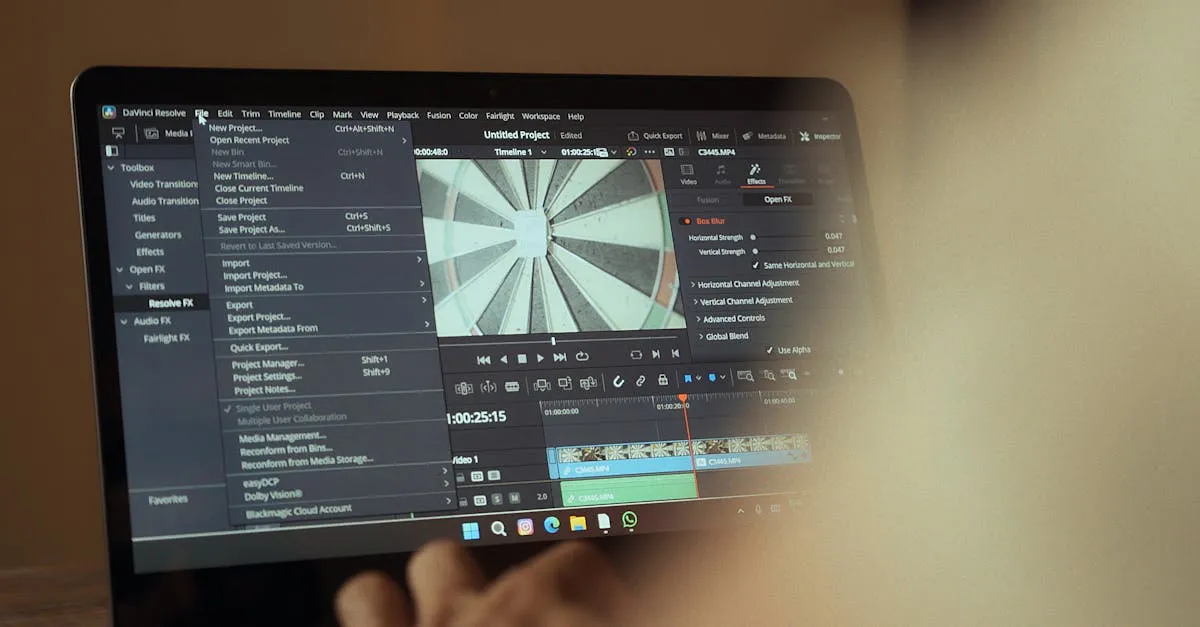
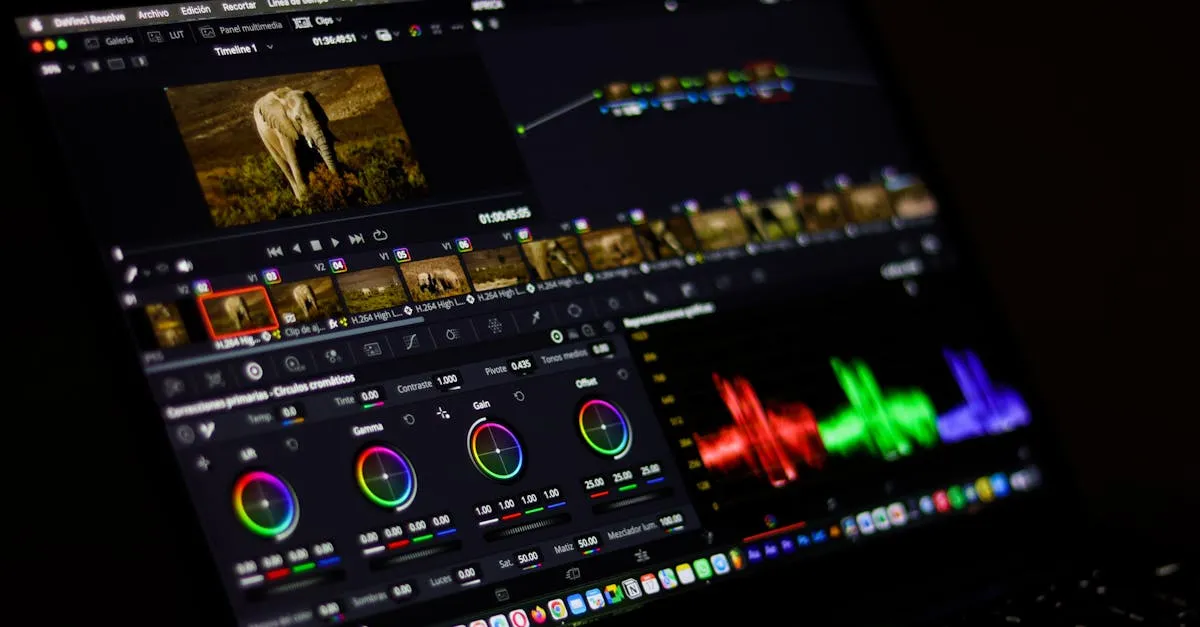
Bring that flat footage into DaVinci Resolve or Premiere Pro, and you can stretch the data into a rich, cinematic masterpiece with total control over contrast, color temperature, and mood.
D-Log footage must be converted to Rec.709 in post for normal viewing.
Best for: Professional commercial work, cinematic projects, maximum quality with full editing flexibility.
HLG (Hybrid Log-Gamma)
HLG sits in the middle ground. More dynamic range than Normal, not as flat as D-Log. Designed for HDR displays — if you play HLG footage on an HDR TV or phone, it looks good without any grading.
On standard monitors, ungraded HLG looks somewhat flat but not as severely as D-Log.
Best for: HDR deliverables (YouTube HDR), quick-turnaround projects, shooters transitioning from auto to manual workflows.
Which Should You Choose?
| Situation | Profile |
|---|---|
| I don’t want to edit | Normal |
| Some editing, quick turnaround | HLG |
| Maximum quality, will grade properly | D-Log / D-Log M |
| Delivering HDR content | HLG or D-Log + HDR grade |
Don’t Forget the 180-Degree Shutter Rule
Regardless of profile, your footage will look amateurish if you ignore shutter speed. A cinematic profile cannot fix bad exposure.
Follow the 180-degree rule: shutter speed = 2x frame rate. Use ND filters to maintain this in bright conditions. Profile choice and proper exposure work together.
Frequently Asked Questions
Why does D-Log footage look flat and gray? D-Log applies a logarithmic curve that compresses highlights and shadows to preserve maximum dynamic range. This flat data allows you to stretch the image into a cinematic look during post-production.
Can I upload HLG footage directly to YouTube? Yes, HLG is designed for HDR displays and works well for YouTube HDR deliverables. It will look good on compatible screens without requiring color grading, though it appears flat on standard monitors.
What happens if I overexpose the sky in Normal mode? You cannot recover blown-out highlights because contrast and colors are permanently baked into the footage. Normal profile severely limits dynamic range, leaving no room to fix exposure mistakes in editing.
Do I need special software to use D-Log? Yes, you need color grading software like DaVinci Resolve or Premiere Pro. This flat footage must be converted to the Rec.709 standard in post-production to look correct on normal displays.
How does the 180-degree shutter rule affect my chosen profile? Regardless of your color profile, incorrect shutter speed will make footage look amateurish. Set shutter speed to double your frame rate, often using ND filters, to ensure proper cinematic motion.
Is HLG a good starting point for beginners? HLG is an excellent middle ground for shooters transitioning from automatic to manual workflows. It offers more dynamic range than Normal but is much easier to grade than D-Log.
Learn the professional color workflow in our free Color Correction and Color Grading with LUTs lessons.