How to Edit Real Estate Drone Videos That Sell Properties
Clean cuts, proper pacing, and the right music transform raw aerial footage into property videos that help agents close deals.
Real estate drone videos follow a 30-60 second structure: establishing shot, approach, circumnavigation, detail shots, departure. Use 3-5 second clips with calm pacing and subtle music. Grade naturally. Deliver horizontal and vertical formats.
Effective real estate drone videos follow a 30-60 second structure: establishing shot, approach, circumnavigation, detail shots, and departure. Use 3-5 second clips with calm pacing and subtle music. Grade for natural, accurate colors. Deliver both horizontal and vertical formats to maximize agent value.
Shooting real estate drone footage is half the job. The edit is where raw clips become a property listing video that actually helps sell the house. Here is the editing workflow real estate agents appreciate.
The Real Estate Video Formula
Successful property videos follow a predictable structure:
-
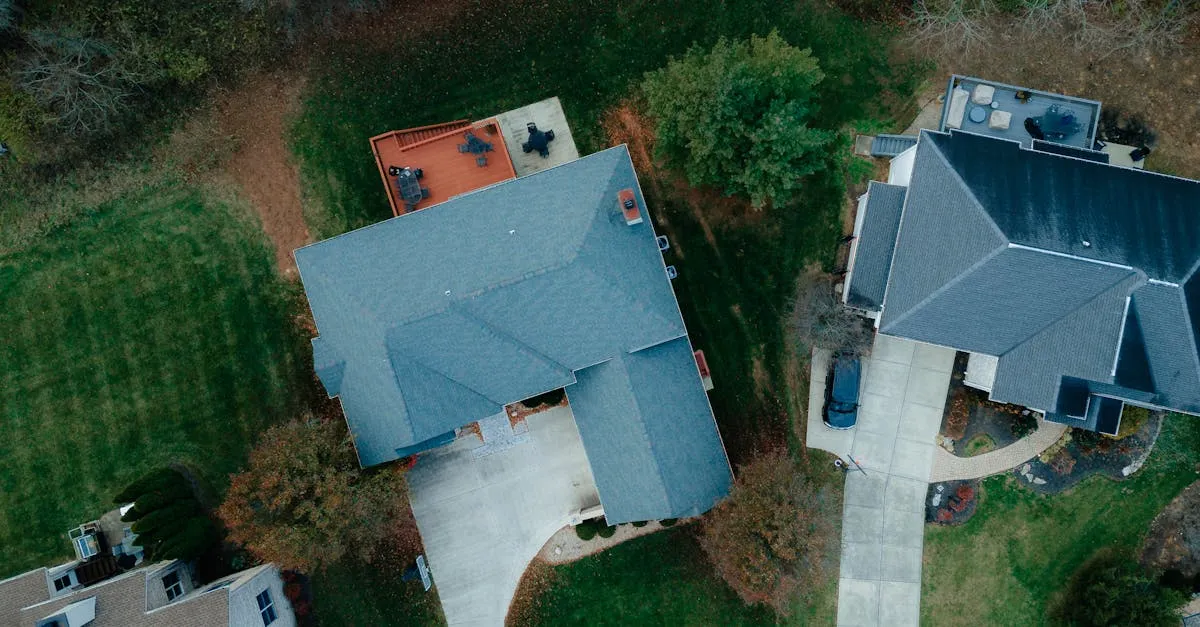
Establishing shot (5-10 seconds): Wide aerial showing the property in its neighborhood context. Agents love this because buyers want to see what surrounds the home.
-
Approach (5-8 seconds): A smooth forward flight approaching the property from the street or a scenic angle. Creates a “coming home” feeling.
-
Circumnavigation (10-15 seconds): An orbit around the property showing all four sides. Steady, slow rotation that reveals the yard, landscaping, and exterior condition.
-
Detail shots (5-10 seconds): Close-ups of notable features: pool, outdoor kitchen, garden, architectural details, or views from the property.
-
Departure shot (5 seconds): Rising above the property and pulling back to reveal the surrounding area. Creates a memorable closing image.
Total length: 30-60 seconds. Anything longer loses viewer attention.
Pacing and Music
Real estate videos should feel calm and inviting. Fast cuts and dramatic music belong in action reels, not property listings.
Use 3-5 second clips per cut. Slower is better. Let each shot breathe. The viewer needs time to absorb what they are seeing.
Music should be subtle: light piano, soft acoustic guitar, or gentle ambient tracks. Avoid anything with vocals or heavy beats. Licensed music from Epidemic Sound or Artlist costs $10-15/month and gives you unlimited tracks.
Color Grading for Real Estate
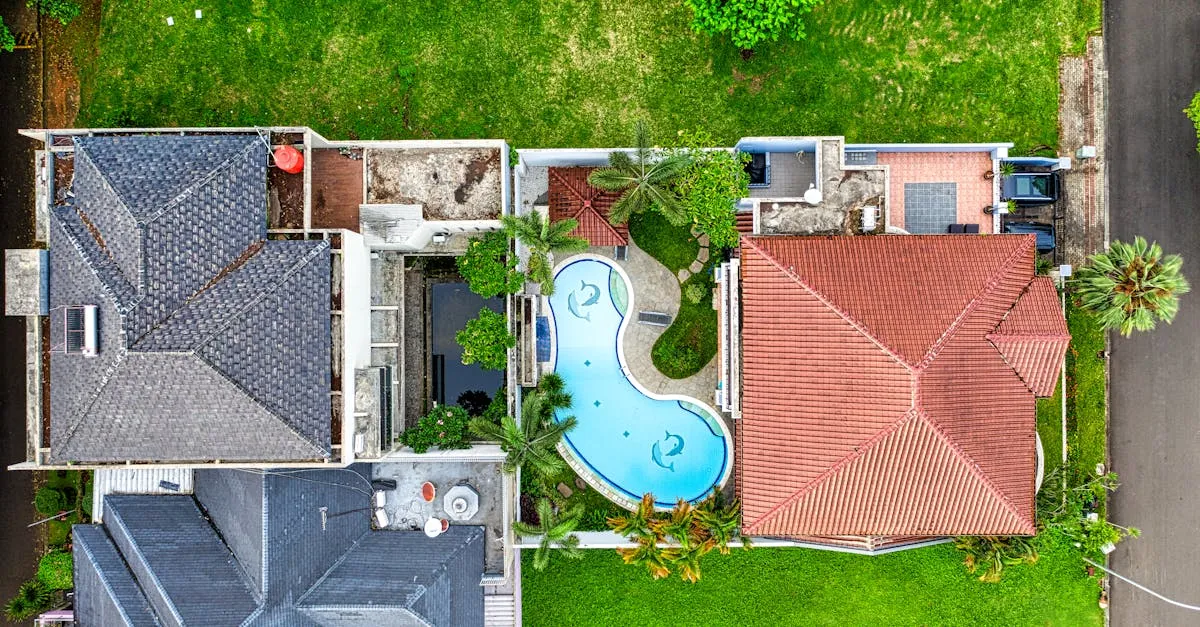
Property footage should look clean and natural. Warm whites, accurate colors, and balanced exposure. Avoid heavy creative grades. The buyer needs to see the property as it actually looks.
Quick grading steps:
- Set white balance to neutral (no blue or orange cast)
- Lift shadows slightly to show detail in covered areas
- Pull back highlights to protect sky detail
- Add subtle saturation (5-10% boost)
- Apply a clean, natural LUT as a finishing touch
Export Settings
- Resolution: 4K if the agent’s platform supports it, otherwise 1080p
- Codec: H.264 for maximum compatibility
- Bitrate: 20-30 Mbps for 4K, 10-15 Mbps for 1080p
- Aspect ratio: 16:9 horizontal for MLS and YouTube, 9:16 vertical for Instagram Reels
Delivering to Clients
Deliver both horizontal and vertical versions. Agents use horizontal for MLS listings and vertical for Instagram and TikTok. Providing both saves them time and makes you more valuable.
Include the raw footage files as well. Some agents prefer to make their own edits or need raw clips for combined marketing materials.
Frequently Asked Questions
How long should a real estate drone video be? 30-60 seconds total. Break into segments: 5-10 seconds establishing, 10-15 circumnavigation, 5-10 detail shots.
What music works best? Subtle instrumental tracks like light piano, soft acoustic guitar, or gentle ambient. Avoid vocals. Licensed libraries like Epidemic Sound provide unlimited tracks for $10-15 monthly.
How to color grade real estate footage? Keep it natural and clean: warm whites, accurate colors, balanced exposure. Lift shadows slightly, pull back highlights, add subtle 5-10% saturation.
What export settings? 4K or 1080p using H.264 codec. 20-30 Mbps for 4K, 10-15 Mbps for 1080p. Deliver 16:9 horizontal for MLS and 9:16 vertical for Reels.
Include raw footage with delivery? Yes. Some agents prefer making their own edits or need raw clips for combined marketing materials. This makes you more valuable.
What makes a good establishing shot? A wide aerial showing the property within its neighborhood context. Buyers want to understand surroundings before seeing the home up close.
Frequently Asked Questions
How long should it be? 30-60 seconds. 5-10 seconds establishing, 10-15 circumnavigation, 5-10 details.
What music works best? Subtle instrumentals like piano or acoustic guitar. Epidemic Sound provides unlimited tracks for $10-15 monthly.
How to grade? Natural and clean: warm whites, accurate colors, lift shadows, pull highlights, subtle 5-10% saturation.
Export settings? H.264 at 4K/1080p. 20-30 Mbps for 4K, 10-15 for 1080p. 16:9 for MLS, 9:16 for Reels.
Include raw footage? Yes. Some agents make their own edits or need raw clips for marketing materials.
Good establishing shot? Wide aerial showing property in neighborhood context. Buyers want to see surroundings. For more real estate drone techniques, check out our free Real Estate Drone course.