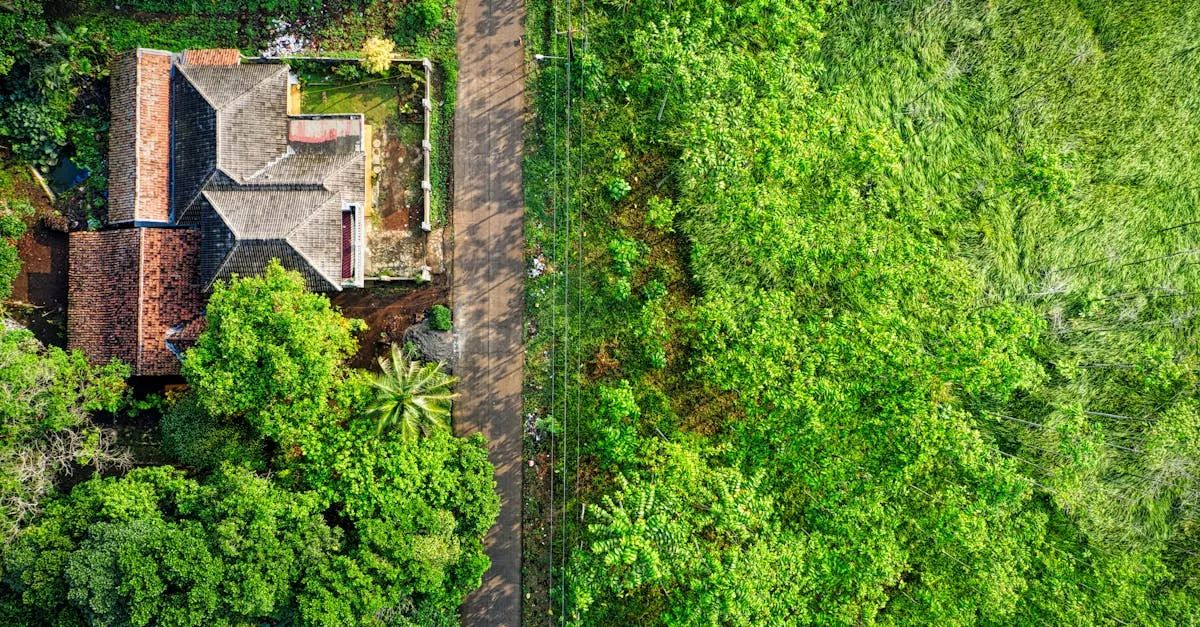
Drone Color Grading & Editing Masterclass
Learn to transform flat drone footage into cinematic aerial video. Covers D-Log, LUTs, color grading workflows in DaVinci Resolve, Premiere Pro, and Final Cut Pro, and developing your own signature style.
Understanding Color
Why Color Matters in Drone Footage
How color grading separates professional drone footage from amateur clips, and why understanding color is the most underrated skill for drone pilots.
Color Profiles Explained: Normal, D-Log, and HLG
What each drone color profile does, when to use them, and why shooting flat gives you more control in post-production.
Color Correction vs Color Grading
Understanding the critical two-step process every professional follows: fixing problems first, then making creative decisions.
Essential Tools
Choosing Your Editing Software
DaVinci Resolve, Premiere Pro, and Final Cut Pro compared for drone footage workflows. Which one should you pick for color grading?
Understanding Scopes: Waveform, Vectorscope, and Histogram
How to read objective data about your footage instead of guessing what looks good. Scopes are the most underused tool in drone video editing.
Working with LUTs: What They Are and How to Use Them
LUTs save time and give your drone footage a professional look instantly. But used wrong, they destroy image quality. Here is how to use them properly.
The Grading Workflow
Step 1: Converting Flat Footage to Rec.709
The first thing you do with D-Log or HLG footage before any creative decisions. This conversion sets your neutral starting point.
Primary Corrections: Exposure, White Balance, and Contrast
The foundation of every professional grade. Fix exposure problems, balance your whites, and set proper contrast before any creative work.
Creative Grading: Building Your Look
Where technical work ends and artistic decisions begin. Learn to build custom looks using color wheels, curves, qualifiers, and power windows.
Advanced Techniques
Matching Shots and Creating Consistency
How to make footage from different flights, times of day, and angles look cohesive. Matching is what separates professional edits from amateur ones.
Exporting for Different Platforms
YouTube, Instagram, and stock footage platforms each need different export settings. Getting this wrong means your grade gets destroyed by compression.
Developing Your Signature Style
How to build a recognizable visual identity that makes your drone footage stand out. Consistency, not complexity, is what creates a signature look.