Choosing Your Editing Software
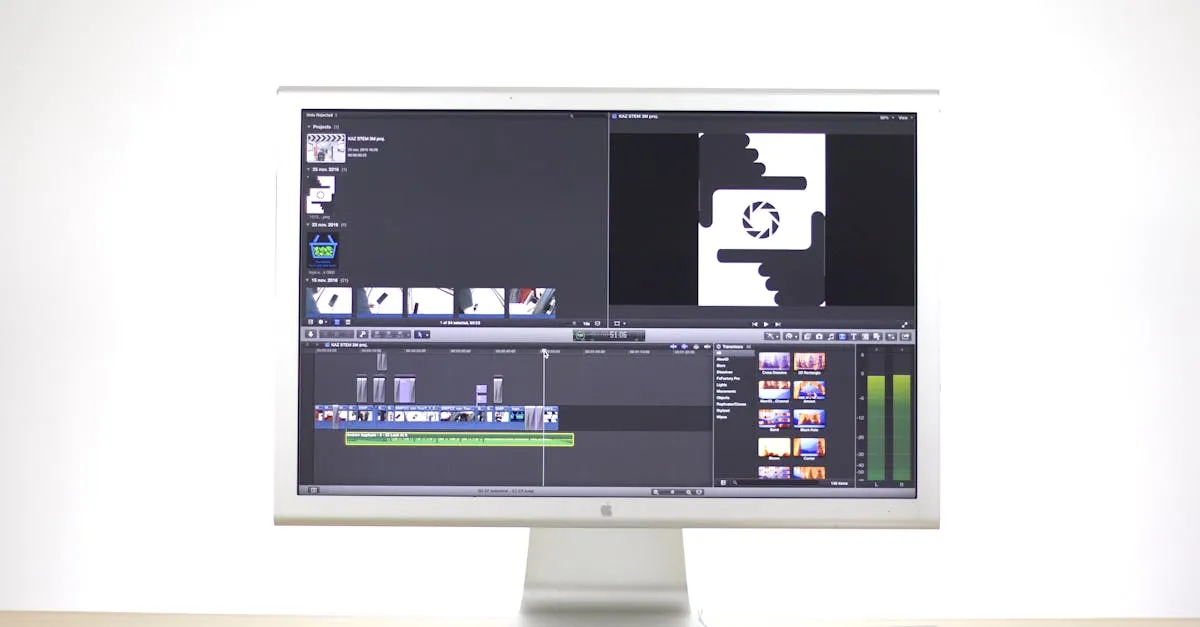
Picking editing software feels like signing a mortgage. You are committing to a workflow, a learning curve, and often a recurring payment. Get it wrong and you are stuck with tools that fight you on every drone clip. Get it right and color grading becomes intuitive instead of frustrating.
Let’s cut through the marketing noise and look at the three editors you are actually deciding between: DaVinci Resolve, Adobe Premiere Pro, and Final Cut Pro.
DaVinci Resolve: The Color Grading King
Here is what you need to know upfront: DaVinci Resolve is free. Not a trial, not a stripped-down version missing the good stuff. The free version includes the full Color page with every primary and secondary grading tool you need for drone footage.
Hollywood colorists use Resolve on feature films. That is not marketing hype. Check the credits on any major release from the past decade. The color science behind Resolve is the reason. When you are pushing and pulling the colors in a sunset drone shot over the ocean, Resolve gives you more control with less degradation than anything else.
The learning curve is real. Resolve uses a node-based workflow where you build color corrections by connecting small boxes (nodes) in a flowchart. Premiere and FCP use layer-based workflows more like Photoshop. Nodes feel backward at first. After two weeks of actual use, most people find nodes faster and more flexible because you can see exactly what affects what.
The free version of Resolve includes Fusion (for compositing and effects) and Fairlight (for professional audio mixing). You are getting three applications in one. The paid Studio version ($295 one-time) adds features like collaboration tools, noise reduction, and HDR mastering that most drone editors will not need.
What makes Resolve special for drone color grading:
- Dedicated Color page with primary wheels, log wheels, and secondary qualifiers all in one workspace
- Built-in scopes (waveform, vectorscope, histogram, parade) without plugins
- Power windows for isolating sky, ground, or subjects in your drone footage
- Node-based workflow lets you create complex grades and save them as templates
Your Mavic 3 or Mini 4 Pro shoots D-Log or D-Log M. Resolve handles both profiles natively with proper color space transforms. Drop in your footage, apply the correct input color space, and you are grading from a proper starting point.
Adobe Premiere Pro: The Safe Choice
Premiere Pro costs $22.99 per month as part of Creative Cloud. That is about $276 per year, every year, forever. Adobe’s annual plans come with early termination fees, so read the fine print before clicking subscribe.
Why do people pay it? Three reasons: industry standardization, ecosystem integration, and the Lumetri Color panel.
Premiere is the most widely used NLE (non-linear editor) in professional video production. If you are applying for freelance gigs or corporate video jobs, knowing Premiere checks a box. It integrates directly with After Effects for motion graphics and Photoshop for still image work. Send a drone frame to Photoshop, fix a sensor spot, and it updates in your timeline automatically.
The Lumetri Color panel works well for basic corrections. You get wheels, sliders, and curves in an intuitive interface. For simple drone edits where you are just fixing exposure and adding a look, Lumetri gets the job done. Where Lumetri falls short is advanced secondary grading. Isolating a specific color range or creating complex masks feels clunky compared to Resolve’s dedicated tools.
Premiere’s performance with 4K drone footage can be frustrating on anything less than a powerful workstation. Adobe’s proxy workflow works, but setting it up requires more steps than Resolve or FCP. If you are editing on a laptop, test Premiere with your specific drone footage before committing.
Premiere makes sense if you already use After Effects regularly or you are editing for clients who expect Premiere project files. For pure color grading capability, it is not the strongest option.
Final Cut Pro: The Mac Speed Option
Final Cut Pro costs $299 one-time. Mac only. No subscriptions, no upgrade pricing. When Apple releases a new version, you get it free.
FCP flies on Apple Silicon. If you are editing on an Apple Silicon (M-series) Mac, FCP handles 4K and even 5K drone footage with timeline playback that feels impossible compared to the competition. Apple’s ProRes codec integration is seamless, and the background rendering means you spend less time watching loading bars.
The magnetic timeline either clicks with you or drives you insane. Instead of a traditional track-based layout, clips snap together magnetically. Moving one clip can ripple changes through your entire edit. Some editors love this for fast assembly work. Others find it unpredictable for precise timing.
For color grading, FCP includes color wheels, color curves, a basic hue/saturation curves panel, plus color masks and shape masks. These tools work fine for corrections and simple looks. But FCP lacks the depth of Resolve’s Color page. You cannot build complex node trees, the scope integration is basic, and secondary grading with qualifiers feels limited.
FCP works brilliantly with DJI’s proprietary codecs. If you shoot in D-Cinelike on a Mavic 3, FCP recognizes the color space and applies appropriate handling. Just do not expect the same grading precision you would get in Resolve.
Choose FCP if you are all-in on Apple hardware, you value editing speed over grading depth, and you do not need to share projects with Windows users.
Proxy Workflows for Drone Footage
All three editors support proxy workflows, and this matters because 4K drone footage is brutal on underpowered computers.
Proxy editing means creating lower-resolution copies of your clips, editing those lightweight files, then relinking to the originals for final export. Resolve and FCP both offer one-click proxy generation. Premiere requires a few more steps through the Media Browser or Ingest settings.
If you are editing on a laptop with integrated graphics, proxies are not optional. They are how you actually finish your edit without throwing your computer out a window.
The Recommendation
Start with DaVinci Resolve. The free version gives you professional color grading tools that cost thousands of dollars anywhere else. The learning curve is an investment that pays returns on every drone video you grade.
If you hit the limitations of the free version (collaboration needs, advanced noise reduction, 10-bit HDR delivery), upgrade to Resolve Studio for $295. That is still less than one year of Premiere Pro.
Premiere makes sense only if you need Adobe ecosystem integration. FCP makes sense only if you are on Mac and prioritize raw editing speed over color grading capability.
For drone color grading specifically, Resolve is not just the best free option. It is the best option at any price.