Developing Your Signature Style
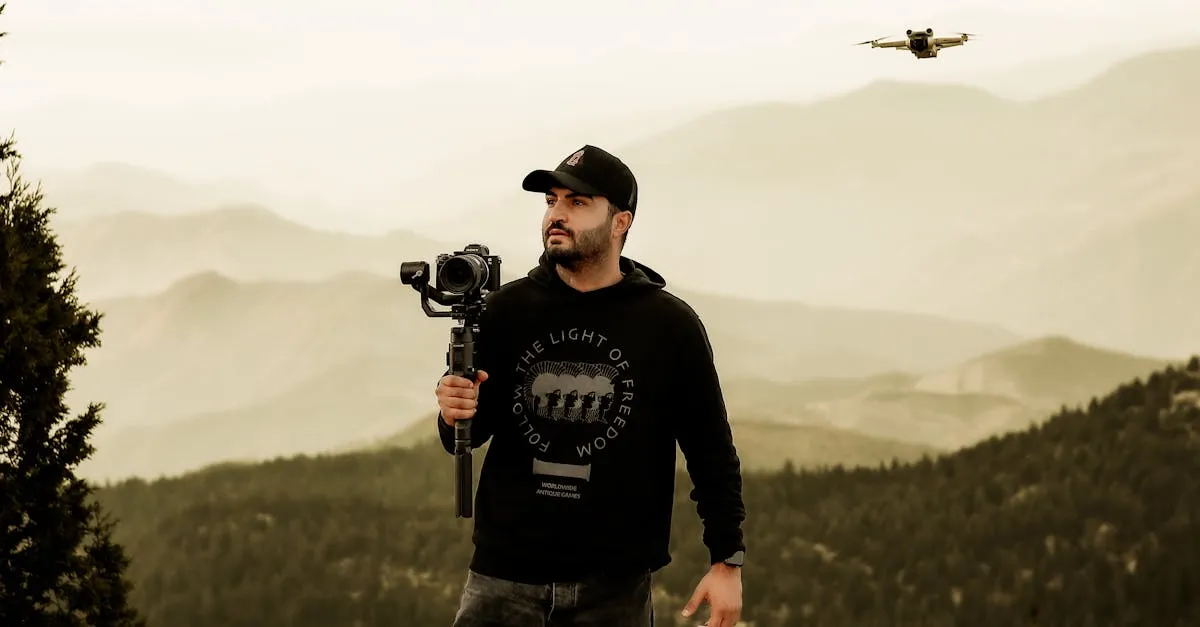
A signature style is not something you announce. It is something other people notice. The best colorists do not set out to create a “look.” They grade footage in a way that feels right to them, and over time, that consistency becomes recognizable.
Let’s talk about how to actually build that.
Start With What You Like
Before you create anything, you need to know what you are drawn to. This sounds obvious, but most people skip it. They jump straight into grading without ever figuring out what they actually respond to visually.
Do this instead: make a folder on your computer. When you watch a film or see a photograph that stops you, screenshot it. Do not overthink why. Just grab it. After a month or two, open that folder and look for patterns.
You will start noticing things. Maybe you are drawn to warm shadows. Maybe you keep saving images with teal highlights. Maybe everything you like has crushed blacks or lifted shadows or a particular green in the midtones.
Those patterns are the foundation of your style.
Do not confuse “what is popular” with “what you like.” Instagram trends come and go. Your signature style should outlast whatever is currently getting likes.
Study How Others Work
Pick 3-5 colorists, cinematographers, or photographers whose work consistently hits you. Then actually study them. Do not just admire from a distance.
Pull stills from their work into Resolve. Put them on your timeline next to your own footage. Turn on your scopes and see what is actually happening.
Where do their skin tones sit? How far do they push highlights before clipping? What is their black point? Are they using subtle halation, or is the image clean?
You are not trying to copy them. You are reverse-engineering their decisions so you understand the why behind the look.
Common Signature Approaches
Warm earthy tones: Push shadows toward orange/amber, keep highlights warm but not yellow. Works for travel, landscape, and golden hour content.
Cool desaturated: Pull saturation down globally, push shadows toward blue-grey, protect skin tones slightly. Common in industrial, architectural, and urban content.
High contrast black and white: Crush blacks hard, blow highlights, no color at all. Pure graphic impact for dramatic aerial compositions.
Lifted blacks with film grain: Bring your black point up to 10-15 IRE, add organic grain. Instant nostalgia. The grain sells the “film” feeling more than any color shift.
If you are unsure where to start, pick ONE of these approaches and grade an entire project with it. You will learn more from committing to a single direction than from experimenting with five.
Create Your PowerGrade Library
In DaVinci Resolve, a PowerGrade is a saved grade that lives in your Gallery permanently. It includes node structure, keyframes, and every adjustment you made.
Grade something you are happy with. Right-click the thumbnail in your Gallery and select “Grab Still.” Then right-click that still and choose “Save as PowerGrade.”
Name your PowerGrades descriptively: “Warm Travel Base,” “Industrial Cool,” “Nostalgia Lifted.” You will thank yourself later.
Do not make your PowerGrades too specific. If you built a look for a sunset shot at ISO 400 with a polarizer, that grade will not translate to a cloudy overcast shot at ISO 100. Build base grades that you adjust per shot, not final grades you drop and leave.
Make Your Own LUTs
Once you have a PowerGrade you love, export it as a .cube LUT. Right-click the still, choose “Export LUT,” and save it. LUTs are useful for applying your base look quickly across projects, or for sharing with collaborators using Premiere or FCP.
Keep in mind: LUTs cannot handle secondary corrections, power windows, or anything shot-specific. Use them as starting points, not finishing tools.
Practice: Grade the Same Footage Five Ways
Take one drone clip with decent range. Grade it five completely different ways:
- Warm and inviting
- Cold and moody
- High contrast, nearly graphic
- Lifted and nostalgic
- Whatever feels most like “you”
Spend real time on each version. Export all five and watch them back-to-back. One of those five will feel more natural to create than the others. That is pointing you toward your style.
Consistency Without Rigidity
The goal is for someone to see your footage and know it is yours without you having to tell them.
That does not mean every project looks identical. A travel reel and a corporate job might use different palettes. But there should be connecting threads. Maybe you always handle skin tones a certain way. Maybe your shadows always have a particular quality. Maybe your highlights always feel a specific temperature.
Find those threads and protect them. Let everything else flex based on the project. A signature style is not a cage. It is a point of view.