Color Profiles Explained: Normal, D-Log, and HLG
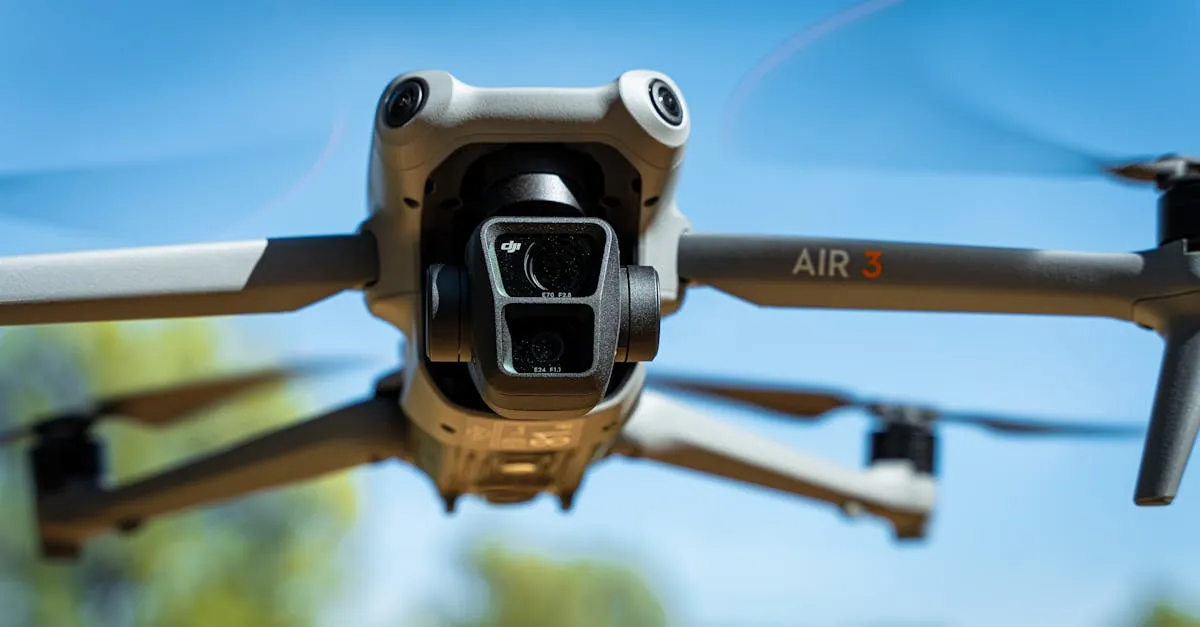
When you open your DJI drone’s camera settings, you will see a handful of color profile options: Normal, D-Log, D-Log M, and HLG. Most new pilots leave it on Normal and never touch it again. That works fine, until you try to fix a washed-out sky or recover shadow detail that just is not there.
Your color profile determines how the drone captures and stores image data. Pick the wrong one for your workflow, and you are either fighting footage in post or leaving quality on the table. Let’s break down what each profile actually does.
Normal Profile: The Done-For-You Option
Normal is exactly what it sounds like. Your drone applies contrast, saturation, and color processing in-camera before saving the file. The footage looks vibrant and punchy straight off the SD card.
This profile makes decisions for you. The drone boosts blues in the sky, warms up skin tones, and crushes blacks slightly to create that cinematic contrast. If you are shooting for social media or delivering footage to a client who needs it today, Normal gets the job done with zero post-work.
The problem? You are locked into those decisions. When you try to push the footage around in editing (lifting shadows, pulling back highlights, shifting the white balance) the image falls apart fast. You might see banding in gradients or noise that was not visible before. That is because Normal compresses the dynamic range to around 8-9 stops, throwing away data the camera could have captured.
Use Normal when: You are not color grading, you need quick turnaround, or you are shooting casual content where “good enough” is the goal.
Normal profile footage can still benefit from basic corrections like white balance and exposure tweaks. Just do not expect to perform heavy grading without quality loss.
D-Log: Maximum Data, Maximum Control
D-Log uses a logarithmic gamma curve to capture significantly more dynamic range, typically 12-13 stops depending on your drone model. Instead of applying contrast and color, the drone saves a flat, desaturated image that preserves detail in both deep shadows and bright highlights.
Footage shot in D-Log looks terrible straight out of camera. Gray, lifeless, flat. That is intentional. You are essentially shooting a raw ingredient, not a finished meal.
Here is what that flat image actually contains: shadow detail you can recover by 2-3 stops, highlight information that survives aggressive curves, and color data spread evenly across the tonal range. When you apply a LUT or manually grade D-Log footage, you are making creative choices with far more information to work with.
Think of it this way. Normal gives you a painted house. You can move the furniture around, but the walls stay that color. D-Log gives you bare drywall and full paint samples.
The catch is that D-Log demands proper exposure. Because the image is flat, it is harder to judge exposure by eye. You need to use tools like zebras or the histogram to ensure you are not underexposing (which introduces noise when you lift shadows) or overexposing (which clips highlights you thought you were protecting).
Use D-Log when: You are planning to color grade, you want maximum flexibility, and you are comfortable with manual exposure techniques.
D-Log footage looks worse than Normal if you do not grade it. Do not shoot D-Log for client deliverables you cannot process, or for quick social posts where you will not touch the footage.
D-Log M: The Newer Curve
D-Log M appears on newer DJI drones like the Mini 3 Pro, Mini 4 Pro, Air 3 and Air 3S, Mini 5 Pro, and Mavic 4 Pro. It is the same concept as D-Log, a flat log curve that preserves dynamic range, but uses a slightly different mathematical curve improved for these camera sensors.
The practical difference? D-Log M often looks slightly less flat than traditional D-Log, with a bit more visible contrast in the shadows. Some editors find it easier to work with straight out of camera. The dynamic range numbers are similar (around 12 stops), so you are not sacrificing quality.
If your drone offers D-Log M, use it instead of standard D-Log. It is tuned for that specific sensor and generally produces cleaner results.
HLG: The HDR Middle Ground
HLG stands for Hybrid Log-Gamma, and it was designed specifically for HDR (High Dynamic Range) displays. If you are delivering content for YouTube HDR or broadcasting to HDR-capable screens, HLG is the standard.
HLG captures more dynamic range than Normal, typically around 10-11 stops, but less than D-Log. The footage looks less flat than D-Log, with visible contrast and color, but still retains highlight headroom that Normal would crush.
The technical reason HLG exists: it is designed to be backwards compatible. On a standard display, HLG footage looks like slightly flat normal footage. On an HDR display, those extra highlights and brighter areas suddenly pop with the extended range they were captured in.
For most drone pilots creating web content, HLG sits in an awkward middle ground. It does not give you D-Log’s grading flexibility, and it does not look as good as Normal if you are not displaying on HDR. If you are specifically targeting HDR output and understand the workflow, HLG makes sense. Otherwise, pick Normal or D-Log.
Use HLG when: You are delivering HDR content and understand the HDR pipeline from capture to display.
YouTube supports HDR playback, but viewers need HDR-capable devices to see the benefit. Consider your audience before committing to an HLG workflow.
The Codec Factor: H.264 vs H.265
Your color profile choice interacts with your codec setting. DJI drones typically offer H.264 and H.265 (HEVC).
H.264 produces larger files but edits smoother on most computers. Less compression means fewer artifacts when you push footage around in post.
H.265 compresses more efficiently, roughly 30-50% smaller files at similar quality. The tradeoff is increased processing demand during editing, especially on older machines.
If you are shooting D-Log, H.265’s compression can sometimes introduce visible banding in smooth gradients like skies when you apply aggressive grades. H.264 gives you cleaner data to work with, at the cost of filling your SD cards faster.
For Normal profile, H.265 is usually fine since the in-camera processing already bakes in contrast and saturation.
Quick Reference
| Profile | Dynamic Range | Best For | Grade Required? |
|---|---|---|---|
| Normal | 8-9 stops | Quick turnaround, no grading | No |
| D-Log | 12-13 stops | Full color grading workflow | Yes |
| D-Log M | ~12 stops | Same as D-Log on supported drones | Yes |
| HLG | 10-11 stops | HDR delivery pipeline | Optional |
Making Your Choice
Ask yourself one question: will you color grade this footage?
If yes, shoot D-Log (or D-Log M if available). The extra data gives you room to create a specific look, fix exposure mistakes, and match shots from different times of day.
If no, shoot Normal. You will get better-looking footage immediately without the extra step. There is no shame in Normal. There is no superiority in D-Log. The right profile is the one that matches your workflow and delivers the results you need.