Earthwork and Grading Analysis
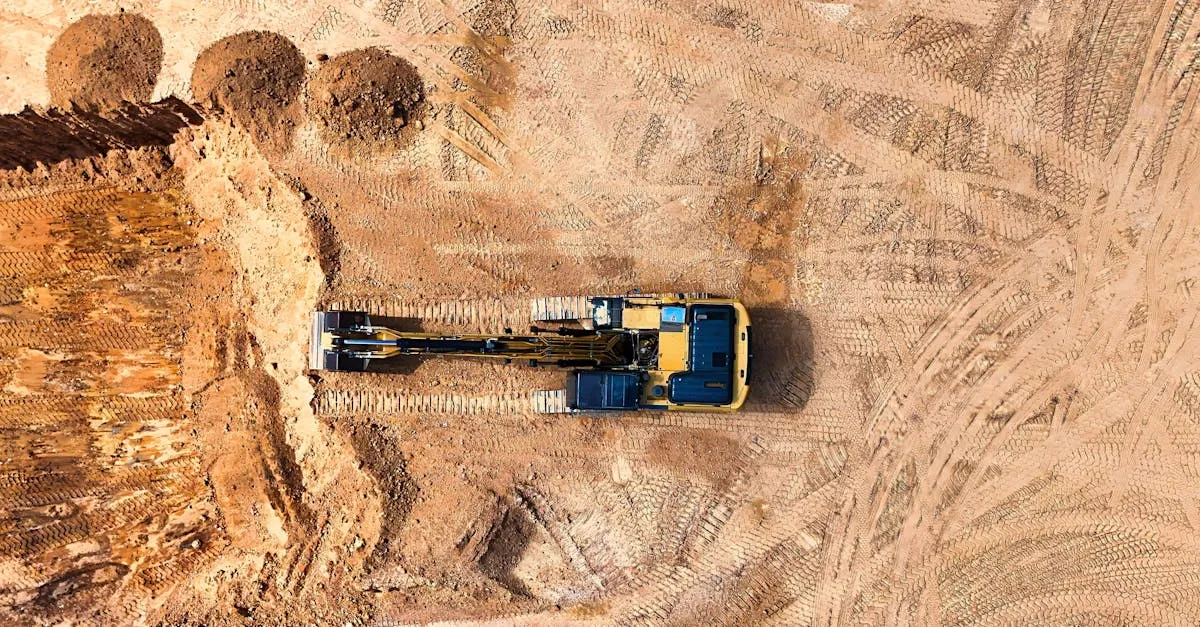 Earthwork is the process of moving soil, rock, and other material to shape the ground for construction. It is also one of the most expensive line items on any construction budget. A single cubic yard of material moved unnecessarily costs money in equipment time, fuel, and labor.
Drone surveys help earthwork contractors know exactly how much material to move, where to move it, and whether the work matches the design plan. This accuracy saves thousands of dollars per project.
How Volumetric Analysis Works
The concept is straightforward. You need two surfaces: the existing ground and the design surface (what the finished grade should look like). The difference between them tells you how much material needs to be cut (removed) or filled (added).
The drone captures the existing ground surface through photogrammetry. Hundreds of overlapping aerial photos process into a 3D point cloud, which generates a digital elevation model (DEM) accurate to a few centimeters.
The design surface comes from the project engineer as a grading plan, typically provided as a CAD file with elevation data.
Mapping software overlays the two surfaces and calculates the volume between them. The result tells the contractor exactly how many cubic yards of material to move.
Step-by-Step Earthwork Survey
-
Obtain the design surface. Get the grading plan from the project engineer in DXF, DWG, or LandXML format.
-
Fly the site. Capture overlapping aerial photos covering the entire earthwork area. Use 80% front overlap and 70% side overlap. Fly at 50-70 meters for dense point cloud generation.
-
Place ground control points. Accuracy matters in earthwork. A 2-centimeter error in elevation across a 10,000 square meter area compounds into significant volume errors. Use RTK positioning for GCPs.
-
Process the data. Generate the DEM from your aerial photos. Import the design surface into your mapping software. Run the volume calculation.
-
Deliver the report. Provide cut and fill volumes by area, a map showing where material needs to be added or removed, and cross-section profiles along key alignments.
Ongoing Earthwork Monitoring
Earthwork happens over weeks or months. Contractors need updated volume calculations at regular intervals to track progress and manage billing.
Fly the site before earthwork begins to establish a baseline. Then re-fly at agreed intervals: weekly for active operations, biweekly for slower phases. Each flight produces updated volume calculations that show exactly how much material has been moved since the last survey.
This data feeds directly into progress payments. Instead of estimating earthwork quantities, contractors and owners have precise measurements that both parties trust.
Software for Volumetric Analysis
DroneDeploy, Pix4Dmapper, and Agisoft Metashape all handle volumetric calculations. DroneDeploy is the most user-friendly. Pix4Dmapper offers more control over processing parameters. Agisoft is the choice for large datasets and maximum accuracy.
Export volumes in PDF reports with maps for the project team. Also provide raw data files (point clouds in LAS format, DEMs in GeoTIFF) for the engineering team to use in their own analysis tools.