3D Modeling for Construction
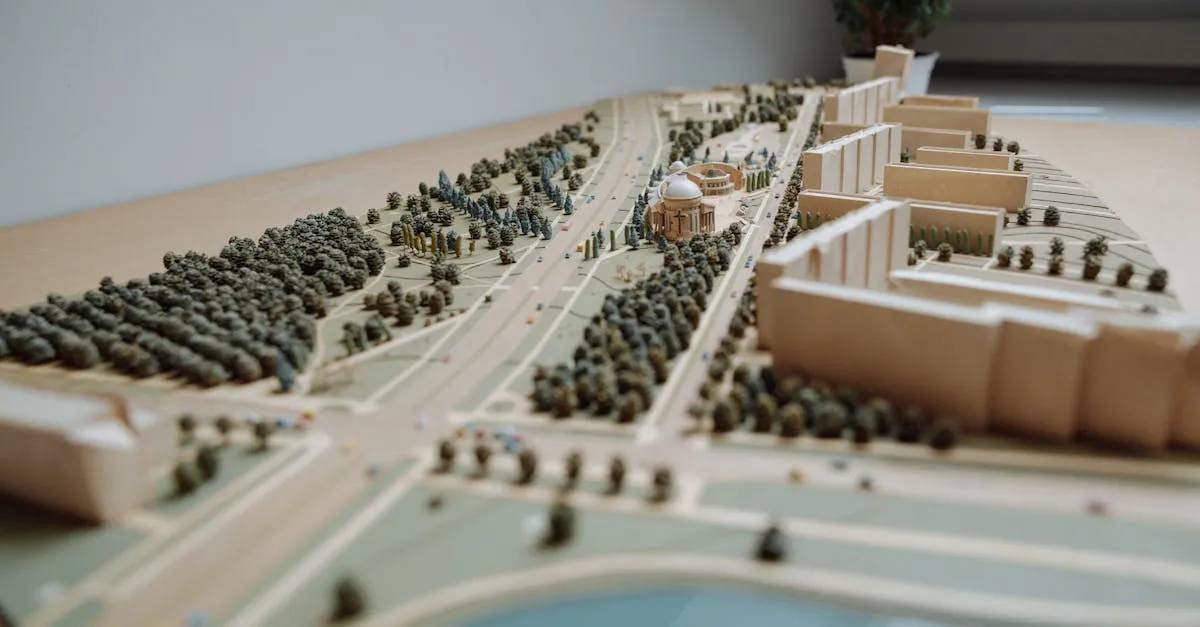 A flat aerial photo shows you what the site looks like from above. A 3D model shows you what it looks like from every angle. For construction verification, that extra dimension matters.
Architects use 3D models to check whether the built structure matches their design intent. Engineers use them to verify structural alignment. Project managers use them for visual progress reporting that stakeholders can understand without reading plans.
How Photogrammetric 3D Models Work
The same aerial photos you capture for orthomosaic mapping also produce 3D models. The photogrammetry software matches features across overlapping images and calculates their position in three-dimensional space. The result is a point cloud: millions of points in 3D space that represent the surface of everything the camera saw.
The point cloud generates a triangulated mesh, and the original photos provide the texture that wraps around the mesh. The finished model looks like a realistic 3D version of the site.
Capture Technique for 3D Models
3D models of flat terrain are easy. Models of vertical structures (buildings, equipment, facades) require more care:
- Orbit the structure. Fly in a circle around the building at multiple altitudes. Capture the walls, not just the roof.
- Add oblique angles. Tilt the camera at 45-60 degrees to capture vertical surfaces. Purely nadir (straight-down) photos miss walls entirely.
- Increase overlap. Use 80-85% front overlap and 70-75% side overlap for 3D modeling. More overlap means more points in the point cloud.
- Capture detail shots. Supplement the automated grid flight with manual photos of complex areas: building corners, mechanical equipment, structural connections.
The more angles you capture a structure from, the more complete the 3D model will be. Missing angles produce holes in the model.
Delivering 3D Models
Construction teams use 3D models in different ways. Provide multiple formats:
- OBJ or FBX for general 3D viewing and presentation
- LAS/LAZ point cloud for engineering analysis in CAD software
- Web viewer link (DroneDeploy and similar platforms host interactive 3D views that anyone can view in a browser)
- Screenshots from key angles for progress reports and presentations
When 3D Models Add Value
Not every flight needs a 3D model. Orthomosaics handle most progress monitoring. But 3D models shine in specific situations:
- Complex structural verification where flat imagery is insufficient
- Clash detection between the as-built condition and planned systems (HVAC, plumbing, electrical)
- Marketing and investor presentations where a 3D flythrough has far more impact than a flat map
- As-built documentation for the building owner at project completion
Price 3D modeling as a premium add-on to your standard progress monitoring service. It requires more flight time, more processing time, and more expertise than basic mapping.