Building Your Pre-Flight Checklist
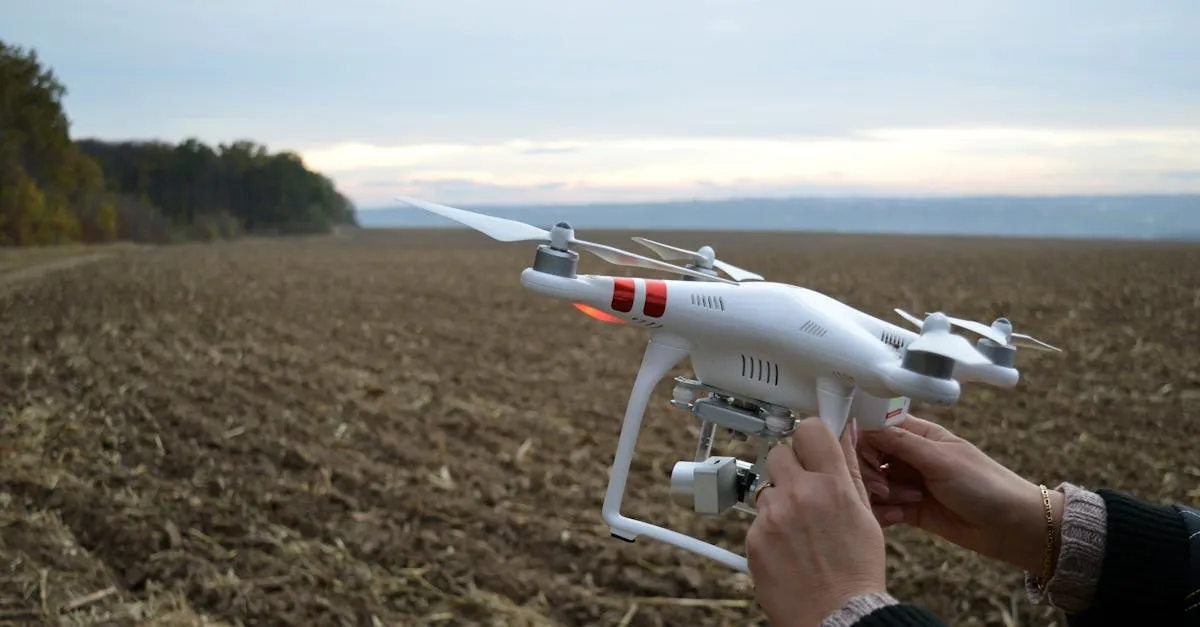
The FAA provides a basic checklist called iFlySafe. It covers the legal minimums. Professional pilots build their own checklists that cover far more, because catching a problem on the ground is always cheaper than discovering it at 300 feet.
Why Checklists Matter
Your brain cannot reliably remember every step under pressure. When a client is watching, the wind is picking up, and you are trying to look professional, it is easy to forget to check prop tightness or verify your SD card. A written checklist removes the dependency on memory.
Pilots who use checklists have fewer incidents. Period.
Checklist Structure
Organize your checklist into four phases:
Phase 1: Before Departure
- Drone body inspected for cracks or damage
- All batteries charged (drone, controller, phone/tablet)
- Props checked for chips, cracks, or warping
- SD card inserted and formatted
- Gimbal lock removed (if applicable)
- Lens cleaned
- Controller firmware current
- Flight location airspace checked and authorized
- Weather verified within limits
- Equipment packed (drone, controller, batteries, props, tools, landing pad)
Phase 2: On-Site
- Walk the area for obstacles and hazards
- Verify weather conditions still within limits
- Confirm airspace authorization is active
- Select takeoff/landing zone and backup zone
- Brief any crew members or visual observers
Phase 3: Preflight
- Power on drone and controller
- Verify GPS lock (minimum 8 satellites)
- Compass calibration (if prompted or location changed significantly)
- Set Return-to-Home altitude above tallest obstacle
- Verify camera settings and SD card recording
- Check battery level and estimated flight time
- Confirm propellers secure and spinning freely
- Verify controller signal strong and responsive
Phase 4: Post-Flight
- Power down drone and controller
- Inspect drone for damage
- Download and verify footage/data
- Log flight time, location, and any incidents
- Store batteries at proper charge level (40-60% for storage)
Print your checklist and laminate it. Keep it in your drone case. Use a dry-erase marker to check off items. Physical checklists work better than phone apps because you cannot get distracted by notifications while using one.
Customize for Your Equipment
Add items specific to your drone model. DJI drones may need gimbal calibration. FPV drones need VTX channel verification. Mapping drones need ground control point verification. Your checklist should reflect your actual workflow, not a generic template.
Use It Every Time
The checklist only works if you use it. No exceptions for “quick flights” or “routine jobs.” The one time you skip the checklist is the time you forget to insert the SD card and fly an entire mission recording nothing.